
Your photo, your words, spelled right
AI Christmas Card Maker
Turn a family, couple or pet photo into a Christmas card, or describe a card and let the AI Christmas card maker paint it. Put your greeting in quotes and it appears on the card exactly as you wrote it.
Pick a Christmas card style
Every AI Christmas card below is a real result: the photo cards from an ordinary photo, the painted cards from their descriptions alone. Pick a style, change the names, and add your own photo.
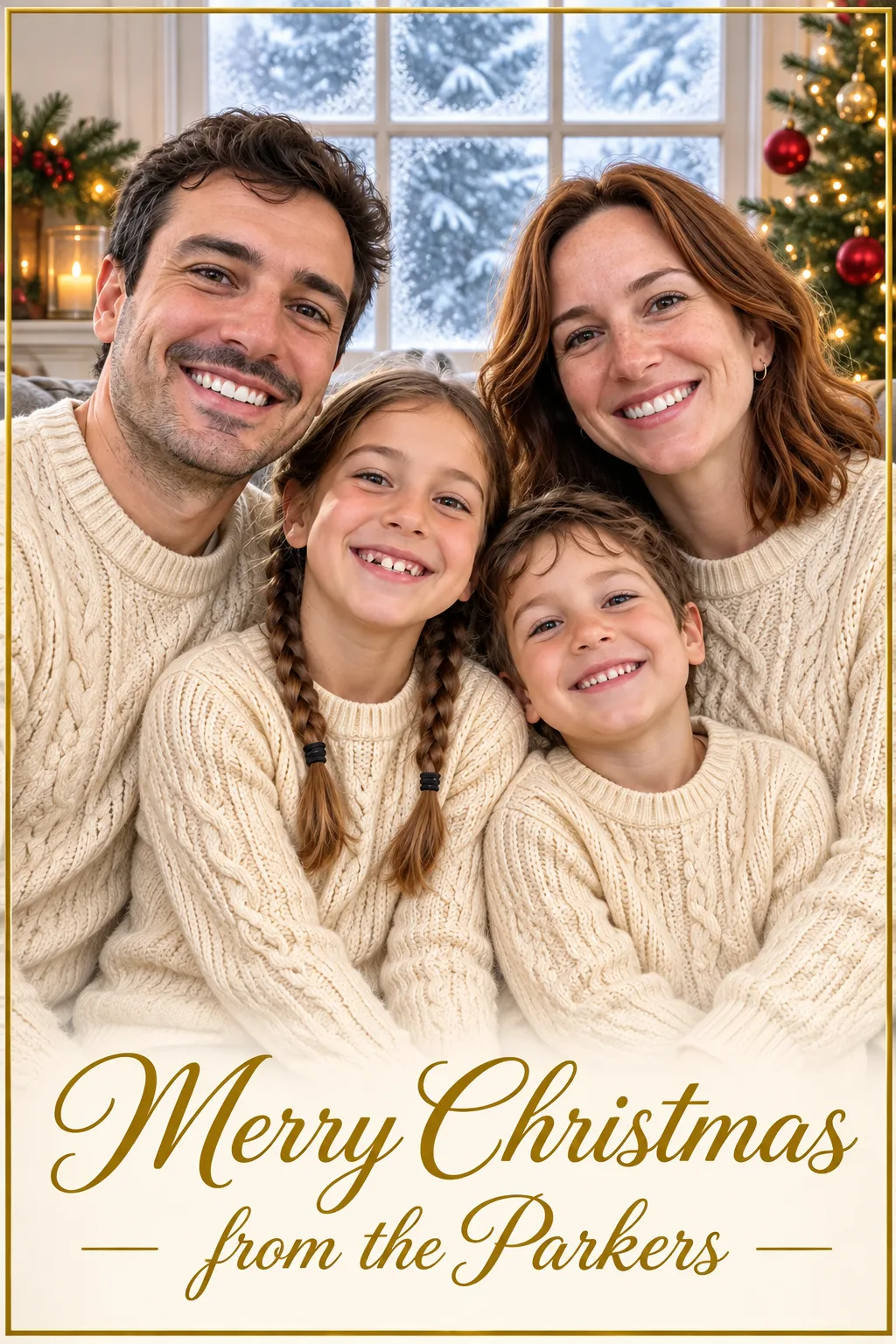
Family photo card
Your family in matching sweaters with your surname in gold script.
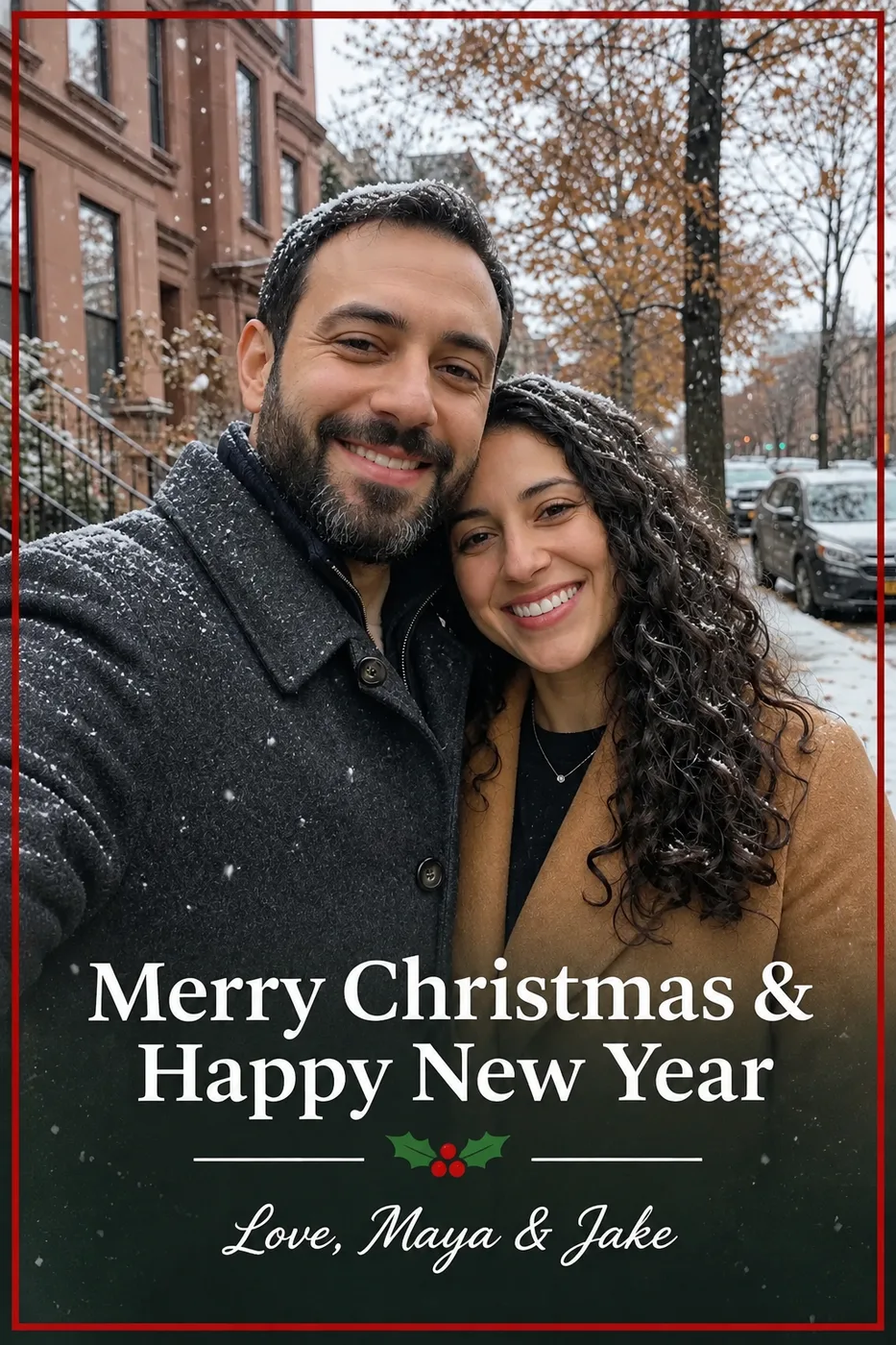
Couple card
Snow, a red border and both your names under the greeting.
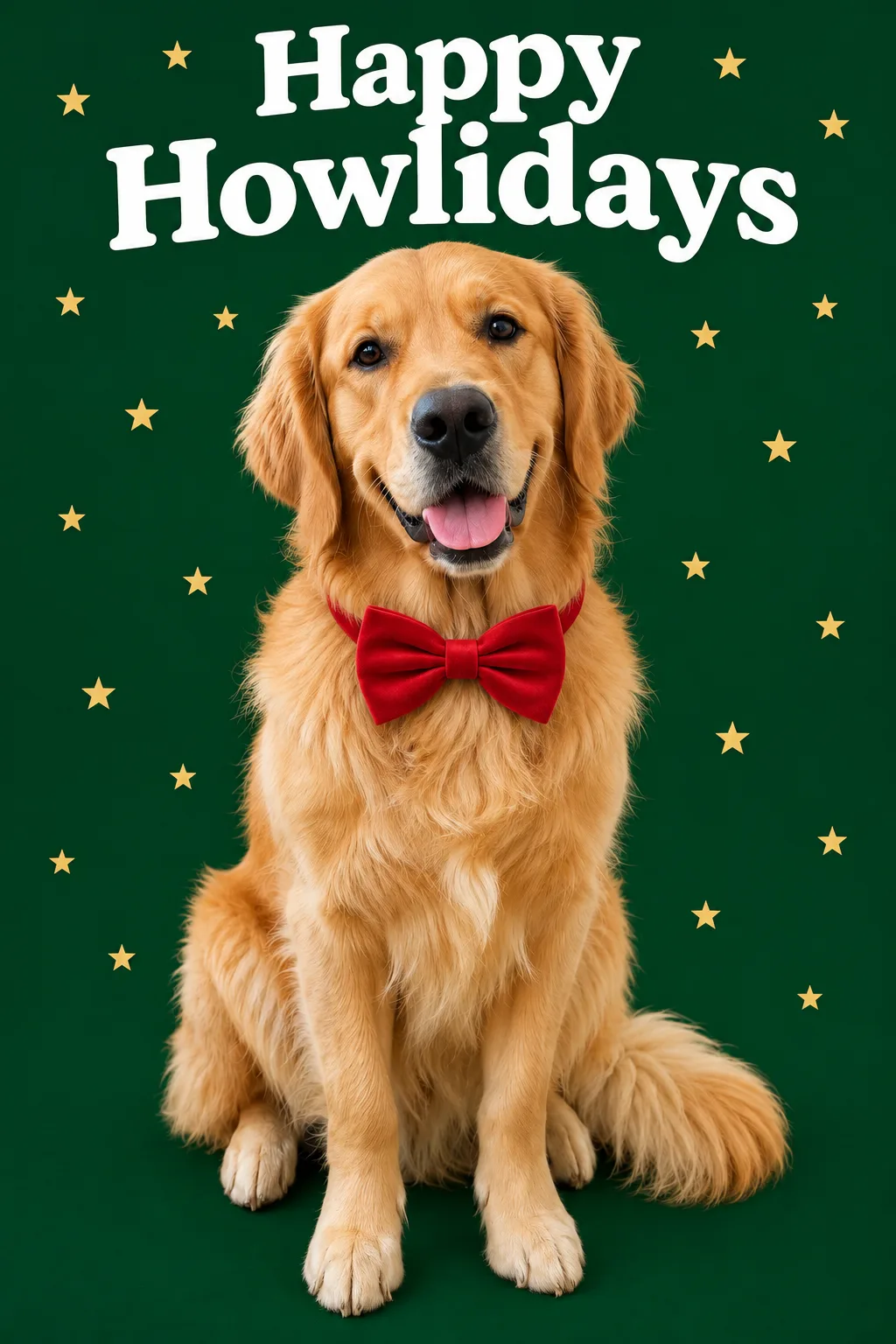
Pet card
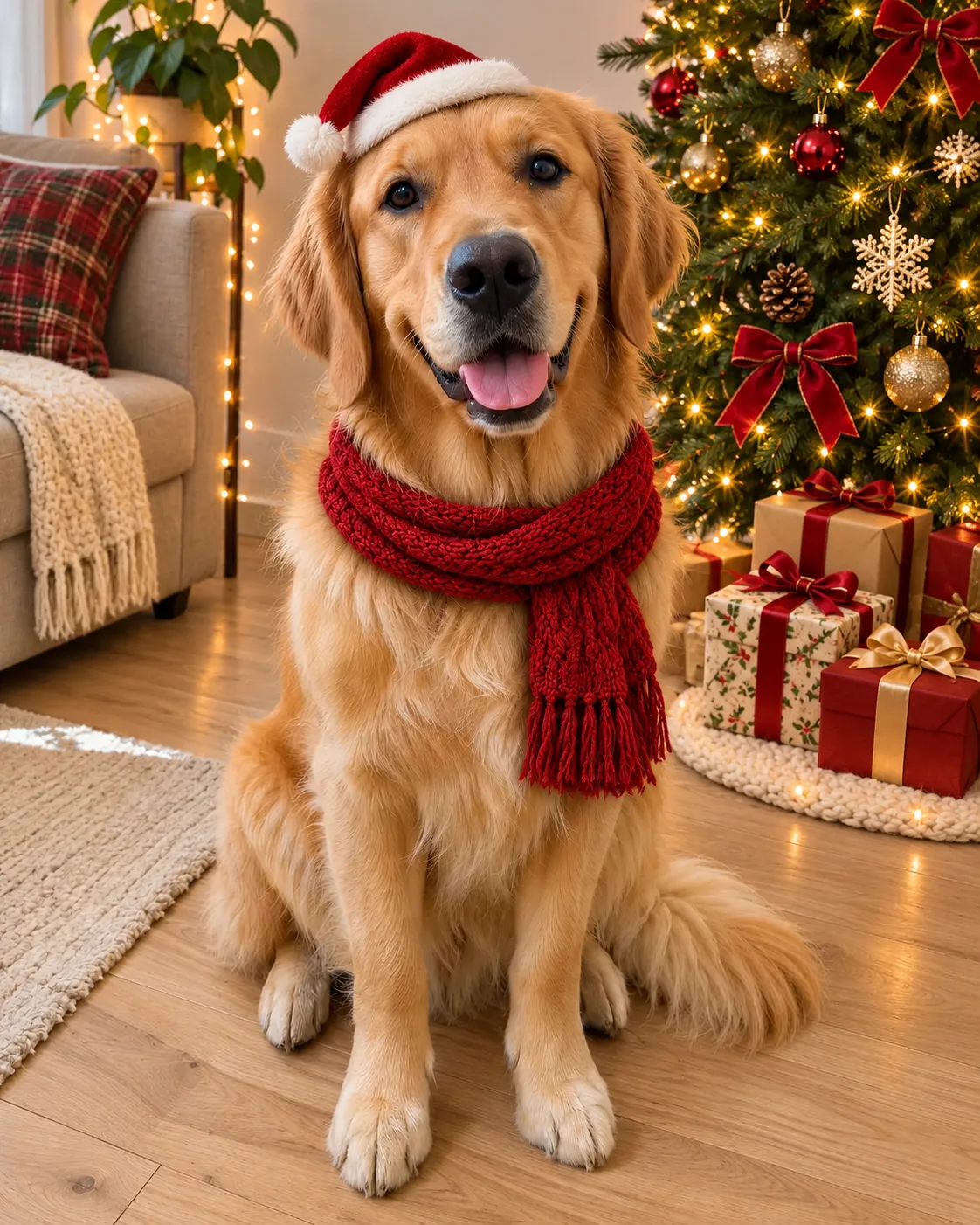
“Happy Howlidays” over a dog in a bow tie. Try “Meowy Christmas” for a cat.
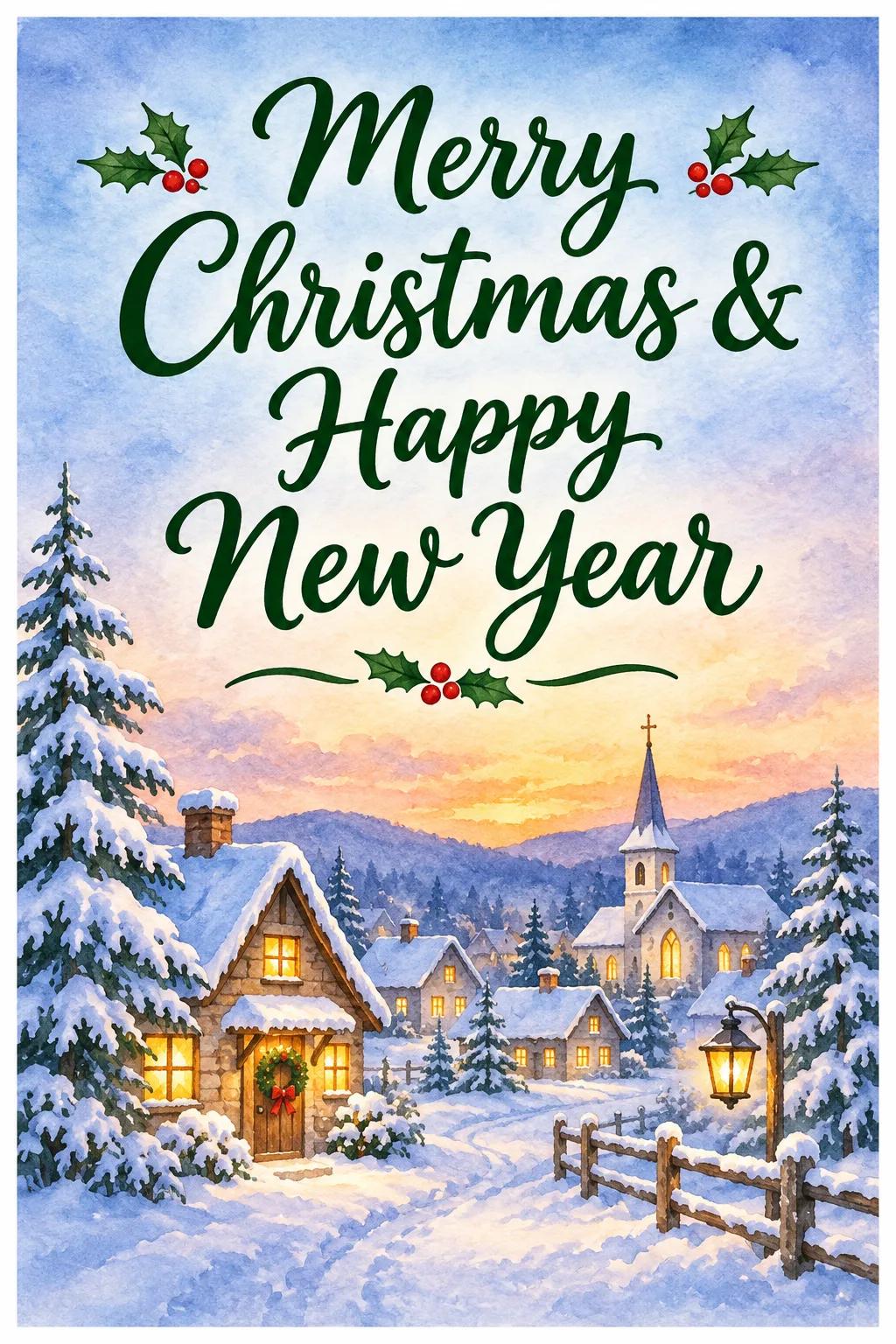
Watercolor village
A painted card made from words alone, no photo needed.
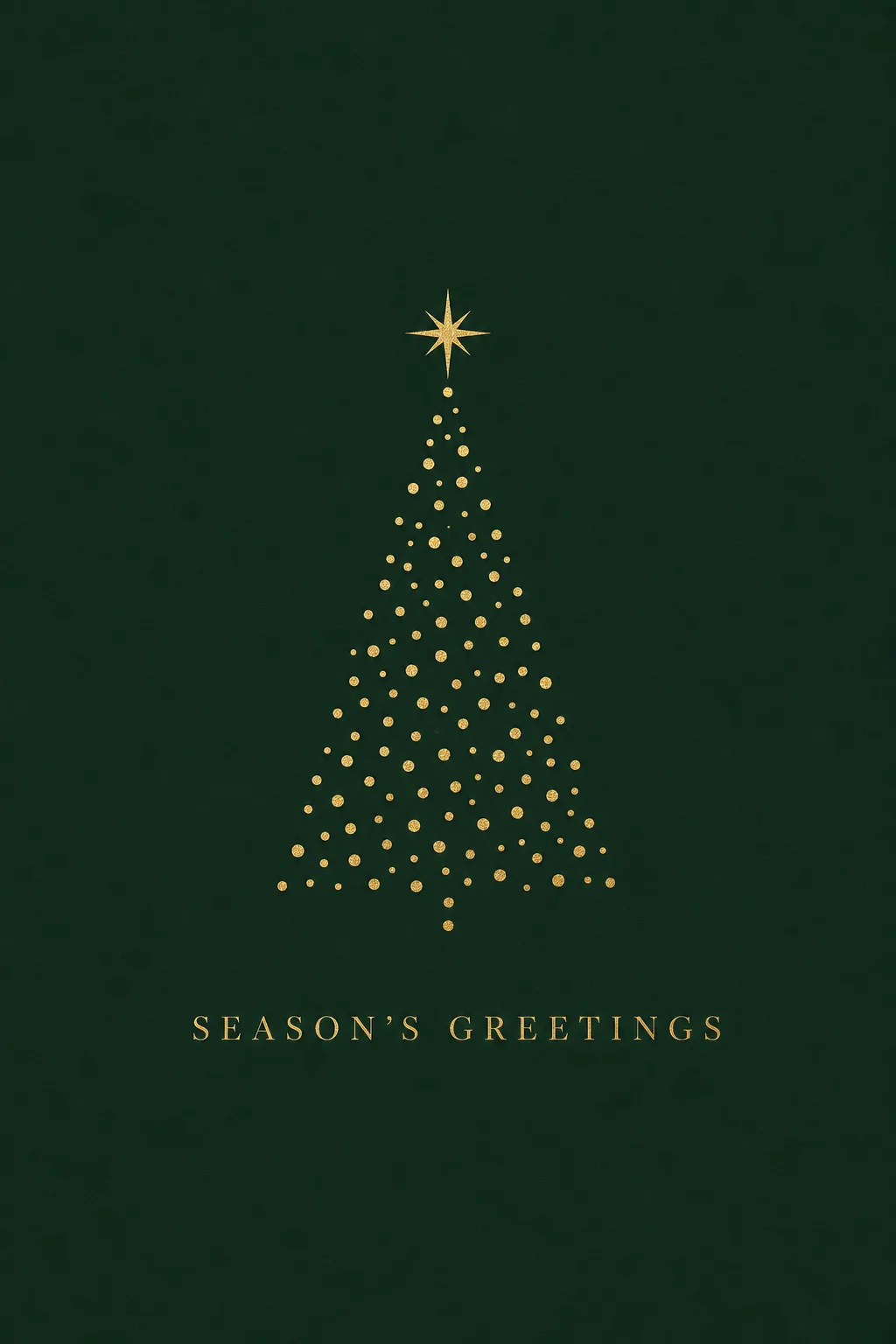
Gold minimal
Gold dots on deep green: a quiet card for clients and colleagues.
From photo to AI Christmas card
The AI Christmas card maker keeps the people from your photo and adds the scene, the border and your words.
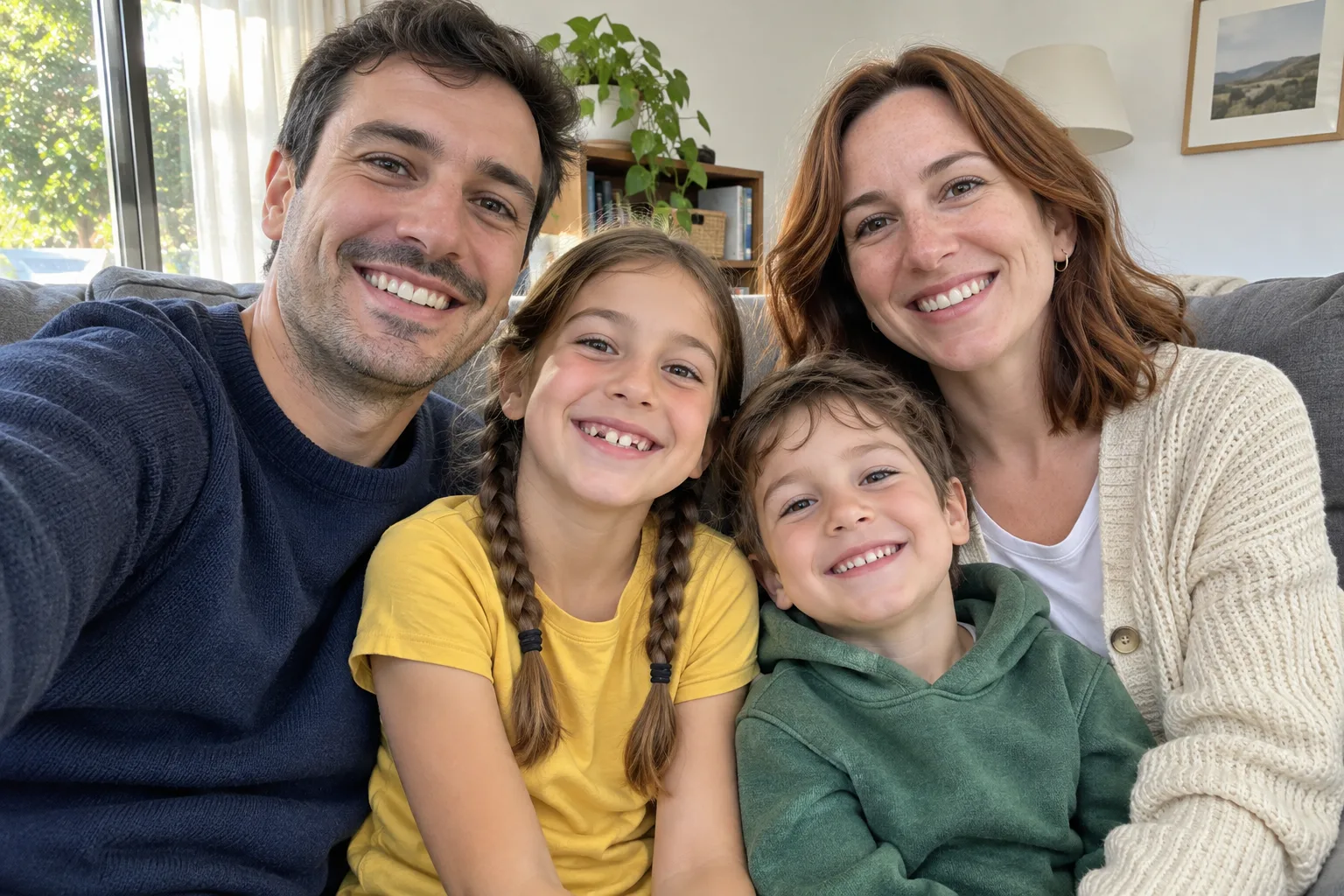 BeforeAfter
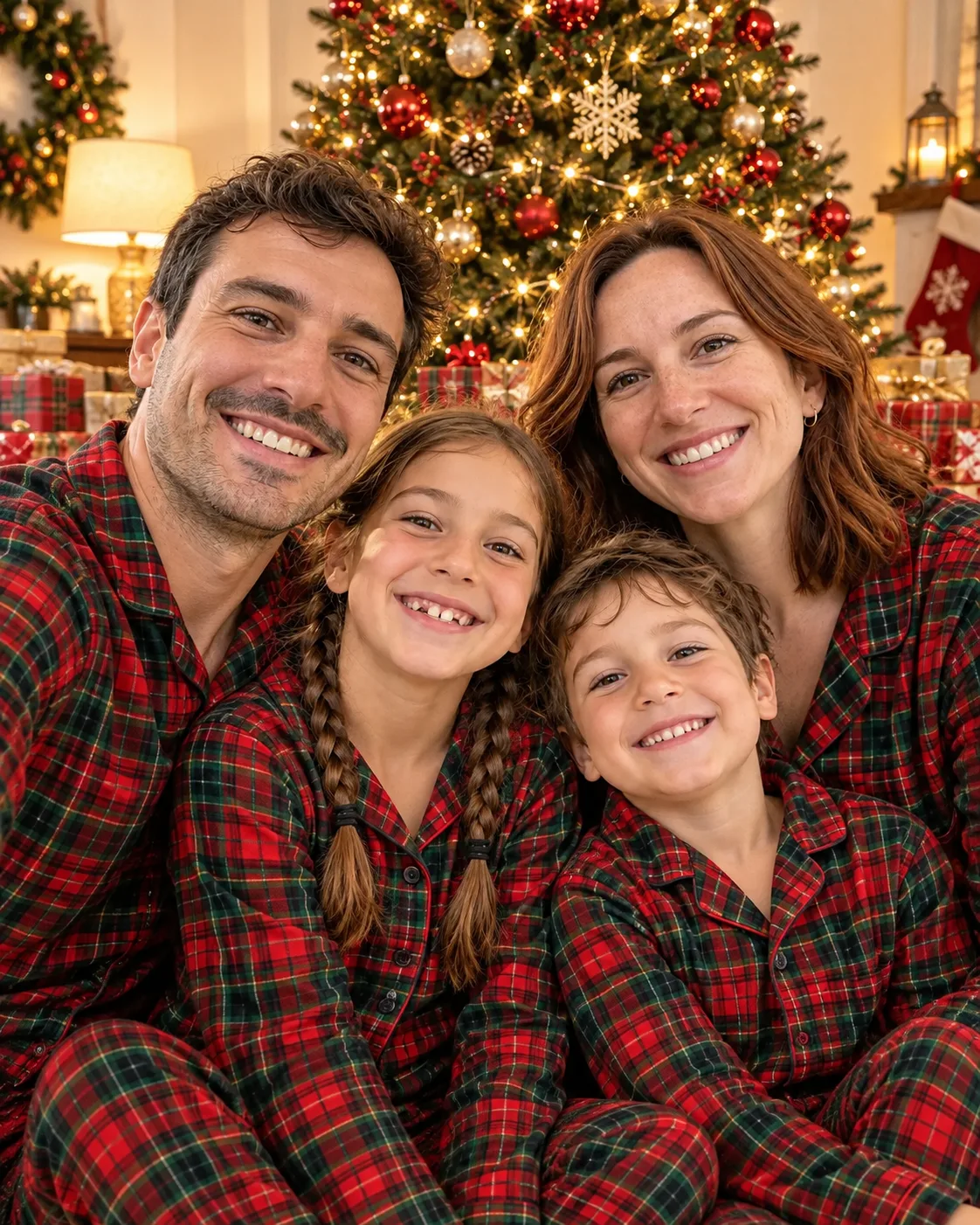
A sofa photo became an AI Christmas card for the whole family, signed in gold script.  BeforeAfter
A street photo became a couple’s AI Christmas card, signed with both names.
How to make a Christmas card with AI
Add a photo, or don’t
Upload a family, couple or pet photo for a photo card, or leave it empty for a painted card.
Write the greeting
Pick a style and put your greeting in quotes, with the names exactly as you want them printed.
Print or send
Your AI Christmas card is ready in about a minute. Make it in 2K to print, or send it straight to phones.
Christmas card ideas
One AI Christmas card maker, every card on your list.
Family cards
An AI Christmas card with this year’s family photo, your surname and a short greeting.
Pet cards
“Happy Howlidays” from the dog, or “Meowy Christmas” from the cat.
Business greetings
A minimal card with your company name for clients and the team.
Last-minute e-cards
Make it in 9:16 to send by message on Christmas morning.
Get the words right
Text is where most Christmas cards go wrong, AI Christmas cards included. A few habits keep every letter in place.
Works well
- Putting the greeting in “quotes”
- Short greetings: up to about eight words
- Saying where the text goes (top, bottom, across the sky)
- 2:3 or 5:7-style shapes for printing
Harder to get right
- Long poems or paragraphs on the card
- Unusual names without spelling them in quotes
- Several different text blocks on one card
- Tiny faces in a photo meant for the card front
AI Christmas card questions
How does the AI Christmas card maker work?
Pick a style, write your greeting in quotes, and optionally add a photo. The AI paints the card with your photo on the front and your words in the design, ready to save or print.
Will the AI Christmas card generator spell my names right?
Put every word you want on your AI Christmas card in quotes. Short greetings come out right almost every time; if a letter slips, run it again or shorten the text.
Can I make an AI Christmas card without a photo?
Yes. Leave the photo empty and describe the card, like the Watercolor village and Gold minimal styles above.
Can I print my AI Christmas card?
Yes. Choose 2K and a portrait shape such as 2:3, then print at home or upload it to your favorite print shop.
How much does an AI Christmas card cost?
12 credits at 1K and 18 at 2K from a photo, or 10 and 15 from words alone. The cost shows on the button before you create.
Can I make a card from a pet photo?
Yes. Choose Pet card, upload your pet’s photo, and change the greeting, for example “Meowy Christmas”.
Can I make the card from a Christmas photo I already made?
Yes. Download it from the AI Christmas Photo Generator, then upload it here as the card photo.
What happens to my photo?
It is used to create your card, and your results are kept with your account. See the Privacy Policy.
More Christmas AI tools

Make a card they will keep on the fridge
Your photo, your words, one AI Christmas card, ready before the post office closes.
Make my Christmas card